
Notes / Methodology
What Is the Best Workflow Software for Quality Management?
Your quality team is chasing signatures in email threads while the audit date gets closer. Missed approvals, version confusion, and scattered documents turn a routine ISO review into a fire drill, and that is usually the moment people start comparing workflow platforms. Some tools handle automation well but leave document control and audit trails bolted on.
This article breaks down what quality management software actually needs: compliance enforcement, audit-ready proof, and document control. You will get a clear evaluation framework, a side-by-side look at seven platforms including Process Street's Docs, Ops, and Cora, plus a final verdict on the best overall pick.
What to Look For in Quality Management Workflow Software
Selecting quality management workflow software requires evaluating core capabilities that ensure regulatory compliance, traceability, and operational efficiency. The right platform becomes the backbone of your quality management system, connecting daily tasks to the standards and regulations your organization must meet.
Not every tool marketed as workflow software is built for quality management. General-purpose task managers can handle simple checklists, but they often lack the controls that auditors and regulators expect. Compliance support, audit trails, document control, and integration are the four pillars that separate true QMS platforms from basic project trackers.
Compliance support determines whether the software can enforce the rules of frameworks like ISO 9001 or 21 CFR Part 11. Audit trails provide the who, what, and when behind every quality record. Document control keeps procedures current and approved, while integration ensures quality data flows into the rest of your business systems.
These factors matter because quality failures rarely come from a single mistake. They emerge from gaps: an outdated procedure, a missing signature, an untracked corrective action. Software that closes those gaps turns quality assurance from a reactive scramble into a repeatable process.
As you compare options, weigh each capability against your industry and the standards you must satisfy. A manufacturer pursuing ISO 9001 has different priorities than a life sciences team facing FDA scrutiny. The following section breaks down each feature in detail so you can score tools against your own requirements.
Key Features: Compliance, Audit Trails, and Document Control
A robust quality management workflow system must include features for regulatory compliance (e.g., ISO 9001, 21 CFR Part 11), comprehensive audit trails for traceability, and document control with versioning and approval routing. Each feature supports the others, forming a chain of evidence from policy to execution.
Compliance support means the software helps you meet specific standards rather than leaving compliance to spreadsheets. Look for configurable forms aligned with ISO 9001 clauses, support for FDA requirements such as 21 CFR Part 11, and provisions for financial controls under SOX. Electronic signatures are a core element, capturing verified sign-offs without paper. Features tied to CAPA, nonconformance, and deviation management show whether the tool understands regulated work.
Audit trails record who did what and when across every quality record. Strong systems produce immutable logs that cannot be edited or deleted after the fact. When an auditor asks how a corrective action was closed, the trail answers instantly instead of triggering a week of email archaeology. Traceability also supports root cause analysis, since you can reconstruct the sequence of events behind a defect.
Document control centralizes procedures, work instructions, and records in one repository. Version control ensures everyone works from the current approved revision. Approval routing moves drafts through review and sign-off automatically, and change control links document updates to the quality events that triggered them.
Consider a supplier shipping a nonconforming part. Inspection management flags the defect, defect tracking logs it, and a CAPA workflow assigns root cause analysis. Document control updates the receiving procedure, and the audit trail preserves every step for the next ISO 9001 surveillance audit. That connected flow is what prevents small issues from becoming repeat findings.
- Compliance: standard-aligned forms, electronic signatures, CAPA and deviation support
- Audit trails: immutable logs showing user, action, and timestamp
- Document control: central repository, versioning, approval routing, change control
- Connected workflows: nonconformance, inspection, and corrective action linked in one system
Teams practicing continuous improvement methods like PDCA, Kaizen, or Six Sigma benefit when these features generate reliable data for analysis. Without them, improvement efforts rest on anecdote. With them, quality control becomes measurable and quality assurance becomes systematic.
1. Process Street - Best Overall
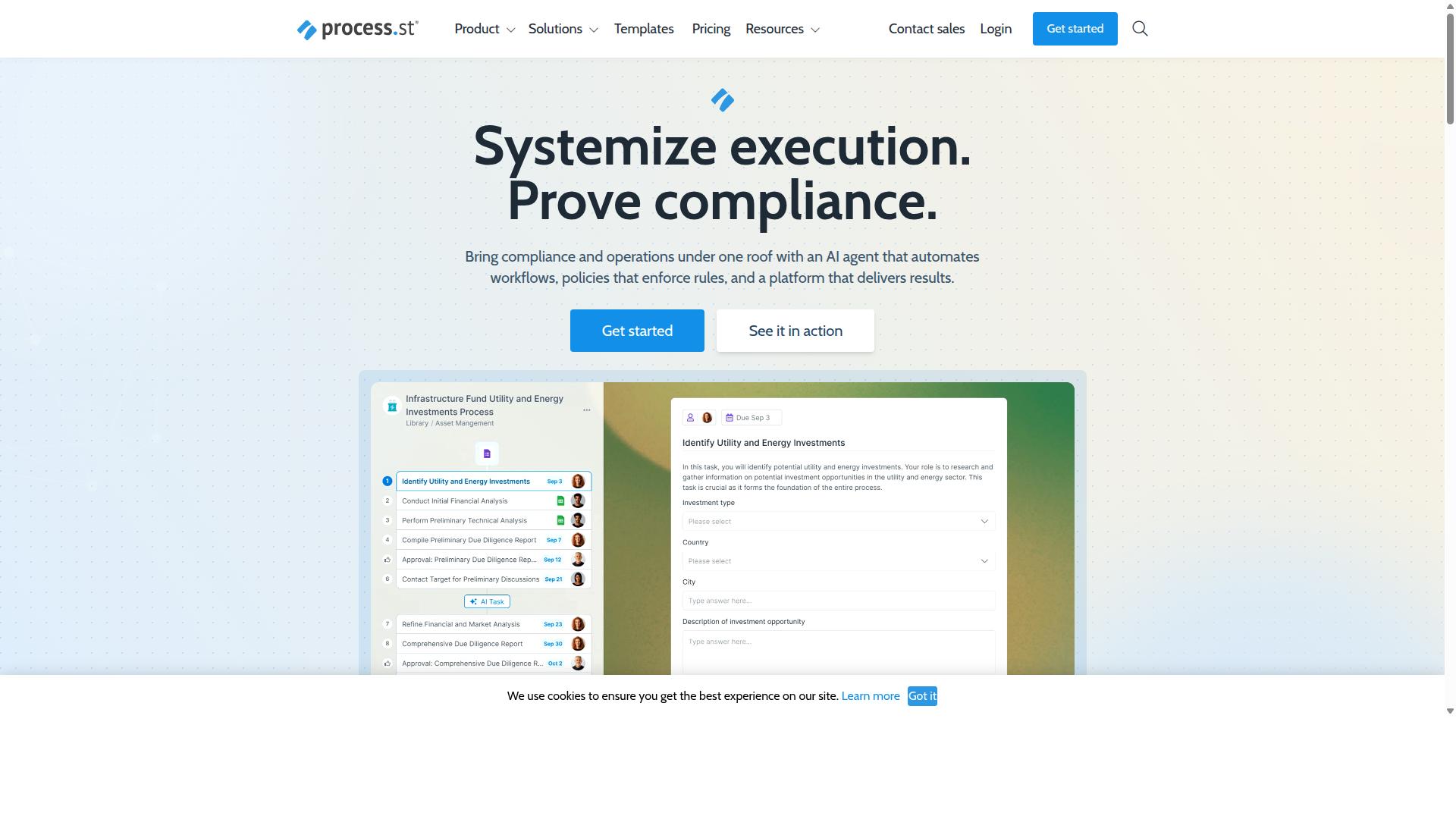
Process Street stands out as the best overall quality management workflow software due to its comprehensive compliance operations platform that automates business processes and delivers audit-ready proof. Rather than stitching together a document repository, a task manager, and a separate compliance tool, teams get one environment where policies, workflows, and regulatory monitoring live side by side.
That matters for quality management because the discipline depends on document control, consistent execution, and verifiable records. A quality management system (QMS) is only as strong as the weakest link between what a policy says and what a team actually does. Process Street closes that gap by turning written procedures into structured, trackable work.
The platform also brings in supporting capabilities that quality teams rely on daily: Process AI, Automations, Analytics, Apps, and Integrations. Connections to tools such as Zapier, Microsoft Power Automate, Tray.io, Make, and Public API access let quality data flow into the systems a business already runs.
For organizations pursuing ISO 9001 certification, managing corrective and preventive action (CAPA), or preparing for audits, the appeal is straightforward. The same platform that runs the work also captures the evidence trail. The sections below break down what each product does and how the plans compare.
Docs, Ops, and Cora: Compliance Operations in One Platform
Process Street offers three integrated products: Docs for document management and policy control, Ops for workflow automation and process orchestration, and Cora for AI-powered compliance assistance. Each one addresses a distinct layer of quality management, and together they cover the full loop from writing a policy to proving it was followed.
Docs handles document management with full governance for frameworks including ISO 9001, SOC 2, SOX, and FDA requirements. Quality teams use it to keep policies, work instructions, and controlled documents current, which supports document control and change control obligations central to any QMS.
Ops turns those policies into AI-powered workflows. This is where workflow automation meets quality assurance in practice. A documented inspection procedure becomes a repeatable task sequence with approval routing and electronic signatures, which helps with inspection management, nonconformance handling, and deviation management.
Cora is the AI compliance agent that monitors regulations, automates work, and flags risks around the clock. For regulatory compliance and risk management, that means less time spent manually tracking changes and more time acting on them.
Consider how the pieces connect in a CAPA process. A nonconformance is logged in an Ops workflow, root cause analysis steps are assigned to named owners, and the resulting corrective action updates a controlled document in Docs. Cora keeps watch on the regulatory landscape that shapes the requirement in the first place. The result is a single thread from detection through resolution, which is exactly what auditors ask to see.
Pricing and Plans
Process Street offers three pricing plans: Startup, Pro, and Enterprise, with the Startup plan providing unlimited workflows and tasks, up to 5,000 Data Set records, 5 users, and 10 guests for growing teams. The tiered structure lets a small quality function start lean and scale into a full quality management system without switching platforms.
The Startup plan is a simplified version of Pro built for startups. It includes 10 automation apps, 100 automation actions per month, and Public API access at 50 calls per month. A 14-day free trial is available on the Pro plan with no credit card required, so teams can evaluate the workflow automation and approval routing features before committing.
Pro is the full-featured plan for scaling teams. It raises Data Set records to up to 10,000, supports custom users and guests, and unlocks all automation apps with custom automation actions and custom API calls per month. For a quality team running CAPA, supplier quality, or defect tracking across departments, this is the tier where the platform stretches.
Enterprise is positioned as a scalable operational knowledge repository, priced custom for large organizations. It adds custom Data Set records, unlimited Public API access, a dedicated Success Manager, priority support, fully-managed workflows, custom integrations, bulk document import, process consulting and a health audit, and personalized team training.
On value, the unlimited workflows and tasks on every tier stand out. Quality management rarely fits inside a task quota, since audit management, continuous improvement, and PDCA cycles generate steady work. Buyers comparing options should weigh the total cost of assembling separate document control, workflow, and compliance monitoring tools against a single platform, and confirm current pricing directly with each vendor.
2. Nintex
Nintex is a well-established workflow automation platform known for its drag-and-drop interface and extensive integration capabilities. It has built a broad footprint across process management, document automation, and robotic process automation, which makes it a familiar name for organizations already invested in Microsoft or Salesforce ecosystems.
For teams evaluating workflow software for quality management, Nintex is often considered because it can handle simple to moderately complex workflows without heavy development work. Its visual designer lowers the barrier for business users who need to build approval routing, task management, and document generation flows.
That said, the platform is not purpose-built as a quality management system. Organizations with strict ISO 9001, 21 CFR Part 11, or regulatory compliance needs may find that deep quality management features require configuration or add-on tools rather than coming out of the box.
Strengths of Nintex
- Drag-and-drop workflow design that business users can adopt without coding
- Wide range of connectors across Microsoft, Salesforce, and common enterprise systems
- Supports both cloud and self-hosted deployments through Nintex Automation CE and Nintex Automation K2
- Capabilities span workflow automation, process management, document automation, eSign, and RPA
- Nintex for Salesforce enables no-code automation and document generation directly inside Salesforce
- Nintex for Microsoft extends native Microsoft tools with no-code workflows and process intelligence
Limitations to weigh
Nintex is a general-purpose automation platform rather than a dedicated QMS. Features like CAPA tracking, nonconformance handling, audit management, and supplier quality modules are not its core focus, so teams may need to build or integrate these.
Advanced functionality and enterprise-scale licensing can also push costs higher, particularly when multiple connectors, self-hosted options, or RPA capacity are involved. Buyers should model total cost against the specific quality assurance use cases they need to support.
Where Nintex fits best
Nintex tends to suit organizations that want broad process automation across departments such as HR, finance, IT, and sales, and that already rely on Microsoft or Salesforce. It also fits industries like government, financial services, healthcare, and manufacturing where contract management, customer compliance (KYC), and departmental workflows are priorities.
If your quality management needs are light and your main goal is connecting existing systems, Nintex can be a reasonable option. If you need deep quality control, deviation management, root cause analysis, or document control aligned to ISO 9001, it may serve better as a complement to a dedicated quality management system than as a replacement.
3. Camunda
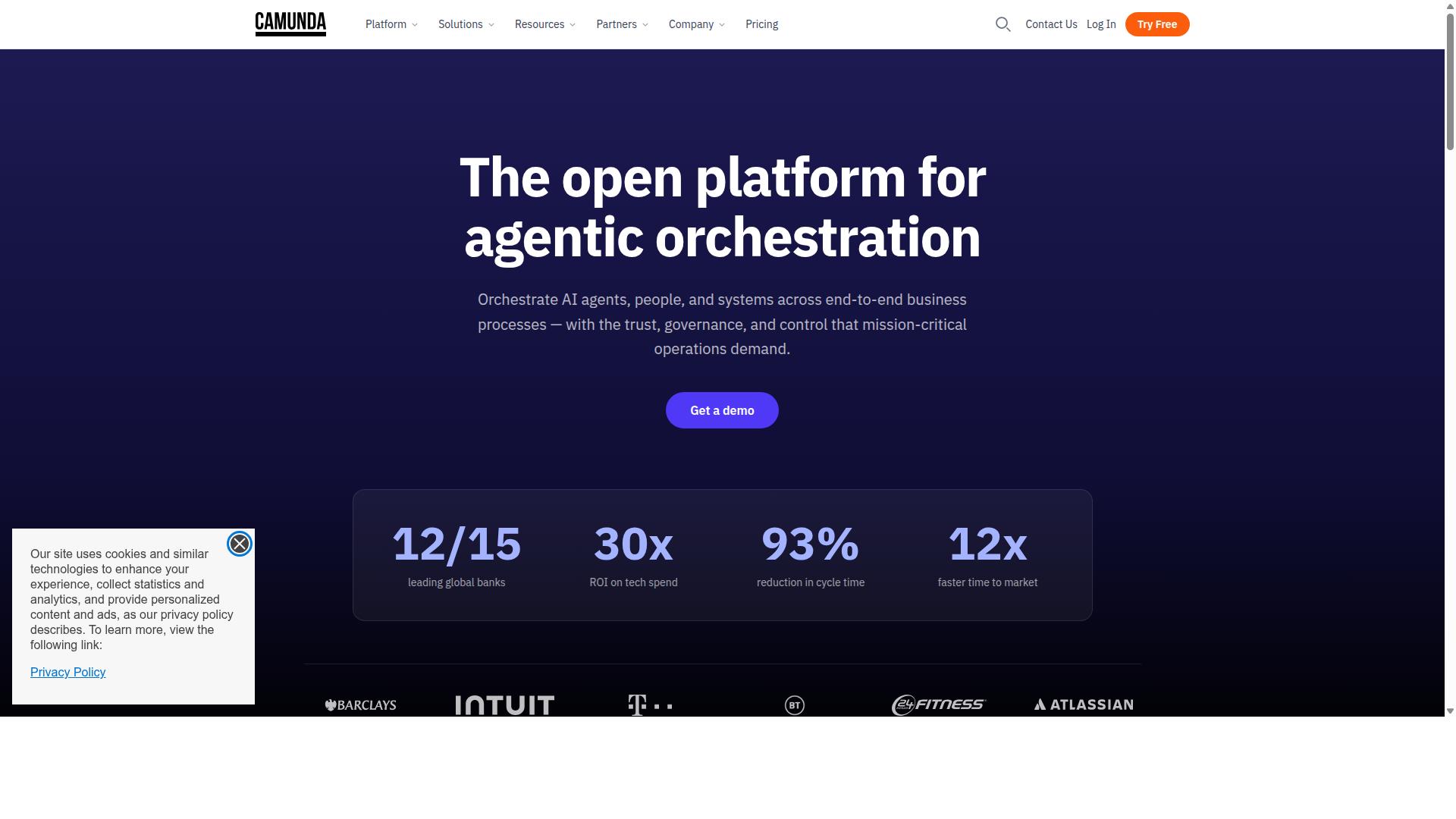
Camunda is an open-source workflow and decision automation platform favored by developers for its flexibility and scalability. It is built around BPMN, the Business Process Model and Notation standard, which gives teams a visual language for mapping complex processes.
Where many quality management tools focus on forms, checklists, and document control, Camunda focuses on orchestrating processes across systems. It coordinates people, applications, and devices to automate end-to-end business processes.
That makes it a different kind of fit for quality management than a purpose-built QMS. It is less about pre-packaged quality workflows and more about building exactly what a process requires.
Strengths of Camunda
Camunda's biggest advantage is flexibility. Because it is open-source and highly customizable, development teams can model processes that match how work actually happens rather than adapting to a fixed template.
The platform supports deterministic, dynamic, and agentic orchestration, blending predefined logic with AI agents for unpredictable paths. Reported benefits include reduced process timing, better customer experiences, and stronger integration across systems.
Key strengths include:
- Open-source foundation with strong community support
- Native BPMN support for modeling and executing processes
- Highly customizable orchestration across people, systems, and devices
- Ability to blend predefined logic with AI-driven decision paths
For organizations with unusual or highly interconnected processes, that combination can be difficult to match with off-the-shelf software.
Weaknesses of Camunda
The same flexibility that makes Camunda powerful also raises the bar for adoption. It generally requires technical expertise, and building and maintaining process models typically falls to developers or engineers rather than quality managers working alone.
Camunda also offers fewer out-of-the-box quality management features. Teams looking for ready-made modules for audit management, CAPA, nonconformance tracking, or document control may need to build those capabilities themselves.
Other considerations include:
- A steeper learning curve than form-driven workflow tools
- More setup and configuration effort before value is realized
- Quality-specific reporting may require custom development
In short, it rewards teams with engineering capacity and punishes those without it.
Typical Use Cases
Camunda tends to suit organizations seeking scalable automation and AI integration, particularly where processes span multiple departments or external partners.
In a quality context, that might mean orchestrating a corrective action workflow that pulls data from production systems, routes approvals, and triggers follow-up tasks automatically. It could also support deviation management or supplier quality processes that touch several systems at once.
Common scenarios include:
- Complex, multi-system process orchestration
- Developer-led automation programs with a BPM foundation
- Organizations pairing workflow automation with AI-driven decisions
- Processes that must connect with existing enterprise applications
For straightforward quality management needs, a dedicated QMS or workflow platform is often the simpler path. Camunda fits best when the process itself is the hard part, and the team has the technical depth to model it.
4. Appian
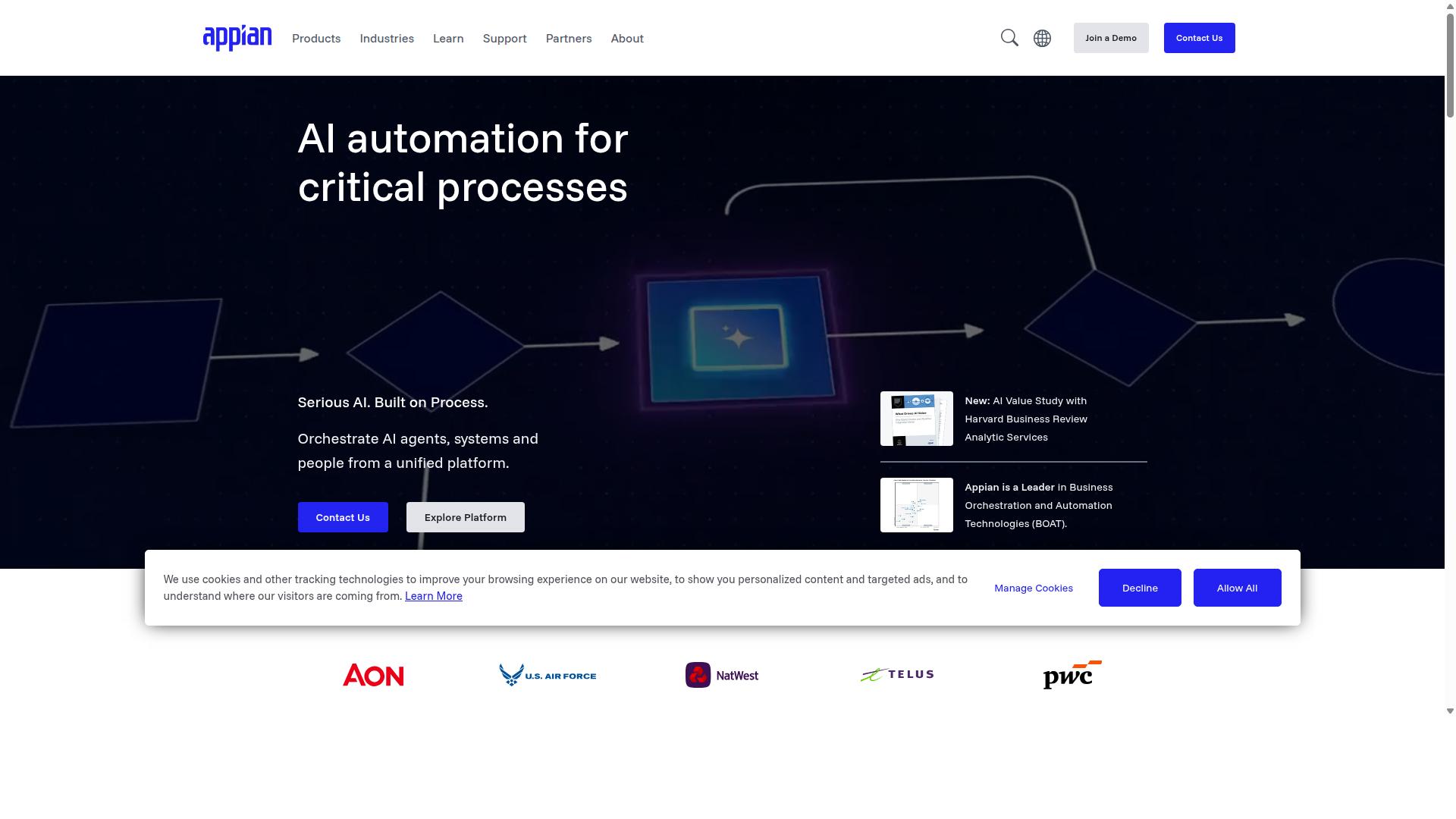
Appian is a low-code automation platform that enables rapid development of workflow applications with strong integration and AI capabilities. For quality management teams, that combination matters because QMS work rarely lives in one system.
Audit findings, CAPA records, supplier data, and inspection results often sit in separate applications. Appian's data fabric is designed to unify those silos without forcing a full system replacement, which is appealing for regulated enterprises.
The platform targets large, process-heavy organizations in financial services, insurance, government, life sciences, manufacturing, and supply chain. These are environments where regulatory compliance and end-to-end process visibility carry significant weight.
Strengths of Appian for Quality Workflows
Appian's core strength is speed of application delivery through low-code design. Teams can build workflow applications for approval routing, case handling, and document-driven processes without heavy custom coding.
Its AI layer includes AI agents and copilots, robotic process automation, and intelligent document processing. For quality teams, those capabilities can support tasks like extracting data from supplier certificates or routing nonconformance reports.
Integration is another area of focus. API integration and process intelligence help connect existing systems and surface where processes break down, which supports continuous improvement efforts such as PDCA cycles.
Appian also offers packaged solutions relevant to quality-adjacent work, including contract lifecycle management, insurance underwriting and claims, federal acquisition, public-sector case management, and enterprise modernization. The Appian Guarantee promises project delivery in 8 weeks, which signals confidence in fast deployment.
For organizations pursuing ISO 9001 alignment or 21 CFR Part 11 compliance, a low-code platform can shorten the path from process design to a working, auditable application. Case management studio features support structured handling of deviations and corrective actions.
Limitations to Weigh
Cost is the most common concern. Appian is positioned for enterprise buyers, and licensing and implementation expenses can put it out of reach for small quality teams or startups building their first QMS.
Complexity is the trade-off for capability. A platform this broad requires configuration expertise, and teams without dedicated developers or administrators may find the learning curve steep.
Smaller organizations often need task management and approval routing more than full-scale process automation. In those cases, a lighter tool may deliver faster time to value with less overhead.
Best Use Cases
- Large enterprises consolidating quality processes across multiple legacy systems
- Regulated industries needing audit trails, case management, and document control
- Organizations pairing RPA and intelligent document processing with quality workflows
- Teams with IT resources available to configure and maintain a low-code platform
Appian fits best when quality management is one part of a broader automation strategy. Buyers evaluating it should confirm total cost of ownership and internal support capacity before committing.
5. ServiceNow
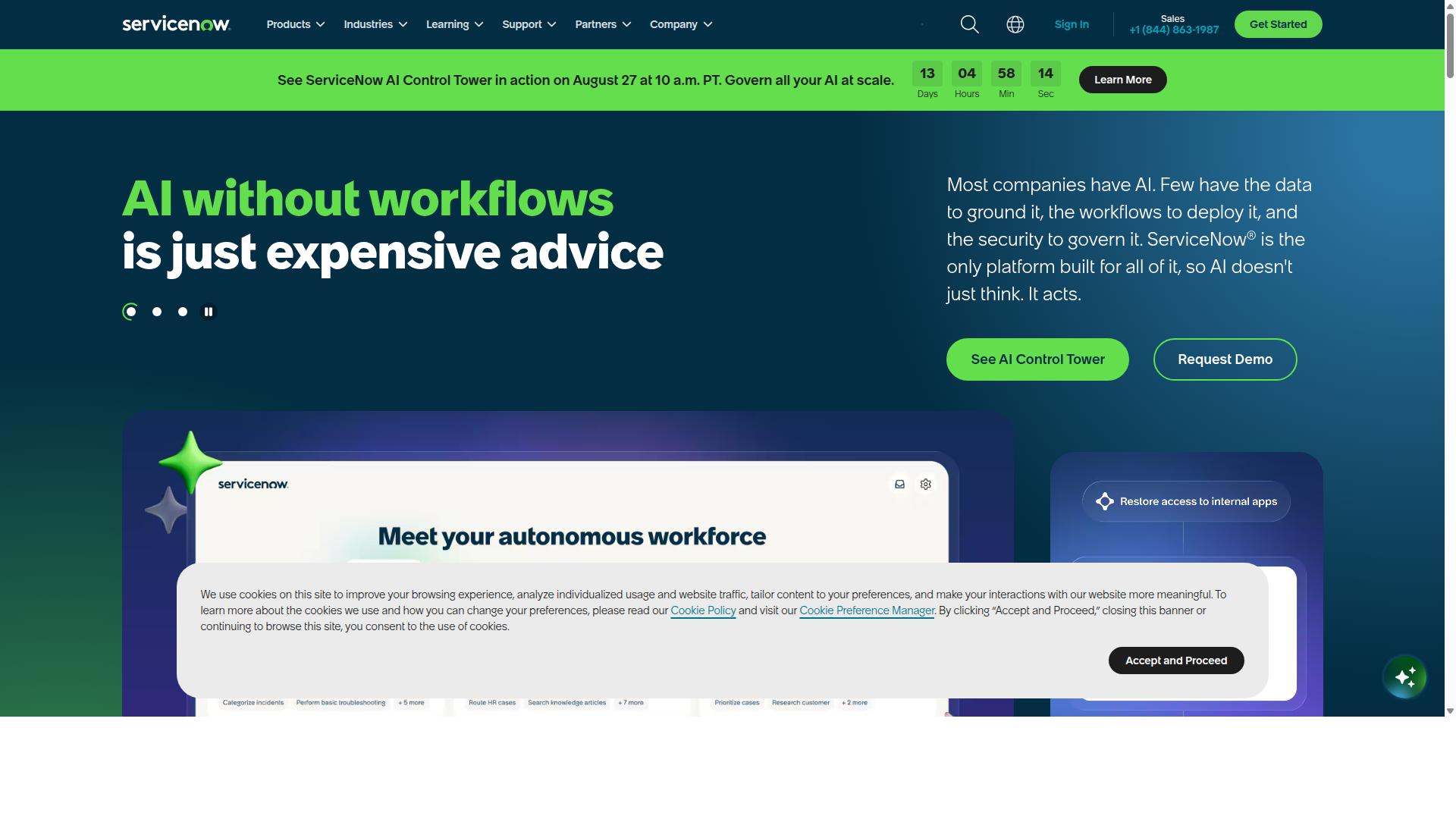
ServiceNow is a comprehensive platform for IT service management and enterprise workflows, with modules for governance, risk, and compliance. It unites people, processes, and systems through AI, data, and workflows, making it a common choice for large organizations that need to connect quality management with broader enterprise operations.
Where ServiceNow stands out is its depth of governance, risk, and compliance (GRC) capability. For teams managing regulatory compliance, audit management, and risk management at scale, the platform offers a level of integration that lighter tools struggle to match.
Its product lineup extends well beyond quality management. Core offerings include:
- IT Service Management and IT Operations Management
- Customer Service Management and Field Service Management
- HR Service Delivery and Security Operations
- Strategic Portfolio Management
Notable features include AI Agents for autonomous task handling, the ServiceNow Otto AI assistant, Process Mining, RaptorDB for real-time data, App Engine for building custom applications, and the ServiceNow AI Control Tower for AI governance.
For quality management specifically, these capabilities can support workflow automation across corrective action, deviation management, and change control. Process mining can help teams spot bottlenecks in approval routing, while App Engine allows custom QMS applications to be built on top of the platform.
The trade-offs are worth weighing carefully. ServiceNow is generally regarded as expensive and complex to implement, and its breadth can be overkill for small businesses or teams that only need straightforward quality assurance workflows.
Typical use cases center on large enterprises seeking to automate workflows, reduce costs, and improve productivity across IT, CRM, security, and employee experience. Organizations already standardized on ServiceNow for ITSM often extend it into quality and compliance rather than adopting a separate system. Smaller teams, by contrast, frequently find the platform heavier than their needs justify.
6. ProcessMaker
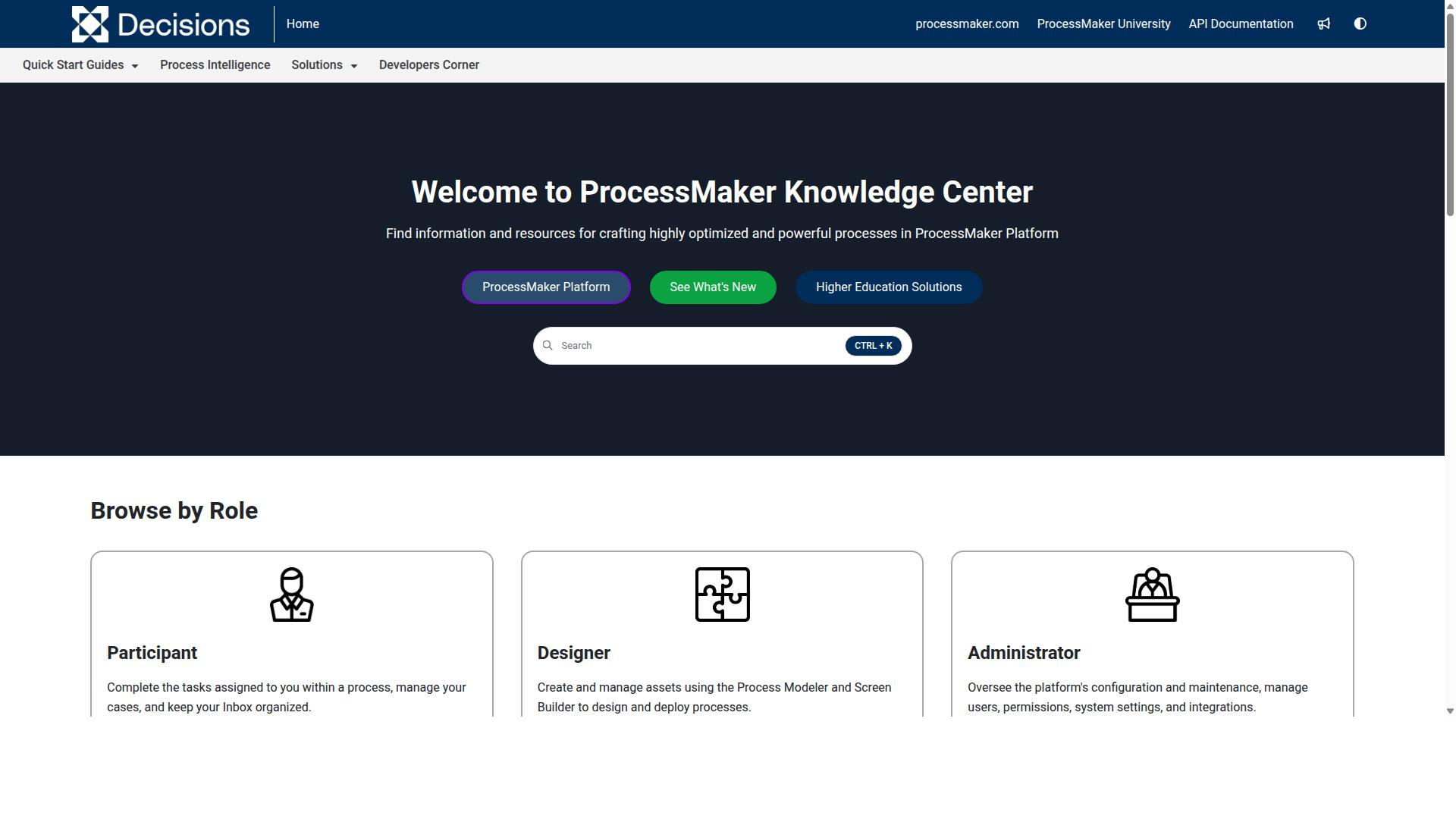
ProcessMaker is an open-source and low-code BPM suite that offers flexible workflow automation for organizations of various sizes. It is built for business process and workflow automation, and it appeals most to teams that want to model and digitize their own processes without writing large amounts of custom code.
Because it is low-code and open-source at its core, ProcessMaker gives mid-market organizations a way to automate approvals, task routing, and structured process flows without a heavy development investment. The tradeoff is that the platform is generally considered to have less depth in dedicated quality management features than tools built specifically for a QMS.
For a quality management system, that distinction matters. A dedicated QMS typically ships with native support for document control, CAPA, nonconformance tracking, audit management, and regulatory compliance workflows. With ProcessMaker, teams often have to design and configure those structures themselves.
ProcessMaker's strengths tend to cluster around a few areas:
- Open-source foundation, which can lower licensing barriers for budget-conscious teams
- Low-code process design, so business analysts can build workflows with limited developer help
- Mid-market fit, where the balance of cost and flexibility matters more than enterprise-grade depth
- Workflow automation for approvals, task management, and approval routing
The weaknesses are worth weighing carefully before committing. Public feedback has raised concerns about bugs, UI limits, and missing features, along with questions about pricing. Teams with complex, multi-stage quality processes may also find the learning curve steeper than expected, since building sophisticated logic often requires more configuration than the low-code label suggests.
In November 2025, ProcessMaker merged with Decisions, which is now the customer-facing brand. Buyers evaluating the platform should confirm which product name and roadmap currently apply, since that transition may affect support, documentation, and future feature development.
ProcessMaker is commonly listed alongside alternatives such as Nintex, Appian, FlowForma, Bizagi, and Pega. Those competitors are often noted for strengths in workflow, document automation, BPMN modeling, and decisioning, which gives buyers a useful comparison set when scoping requirements.
Good use cases for ProcessMaker include general business process management, internal approval flows, and mid-market workflow automation where a team is willing to build its own quality-adjacent logic. It can work for lighter quality assurance and quality control processes, such as inspection management or simple defect tracking, provided the team has the capacity to design and maintain those workflows.
It is a weaker fit when an organization needs out-of-the-box support for ISO 9001 documentation, electronic signatures tied to 21 CFR Part 11, structured root cause analysis, or a full CAPA and deviation management lifecycle. In those scenarios, the configuration effort can offset the savings from an open-source base.
Before selecting ProcessMaker, teams should map their must-have quality processes, confirm how much configuration each one requires, and ask about the current product roadmap following the Decisions merger. That due diligence helps separate genuine low-code flexibility from hidden setup work.
7. Pega
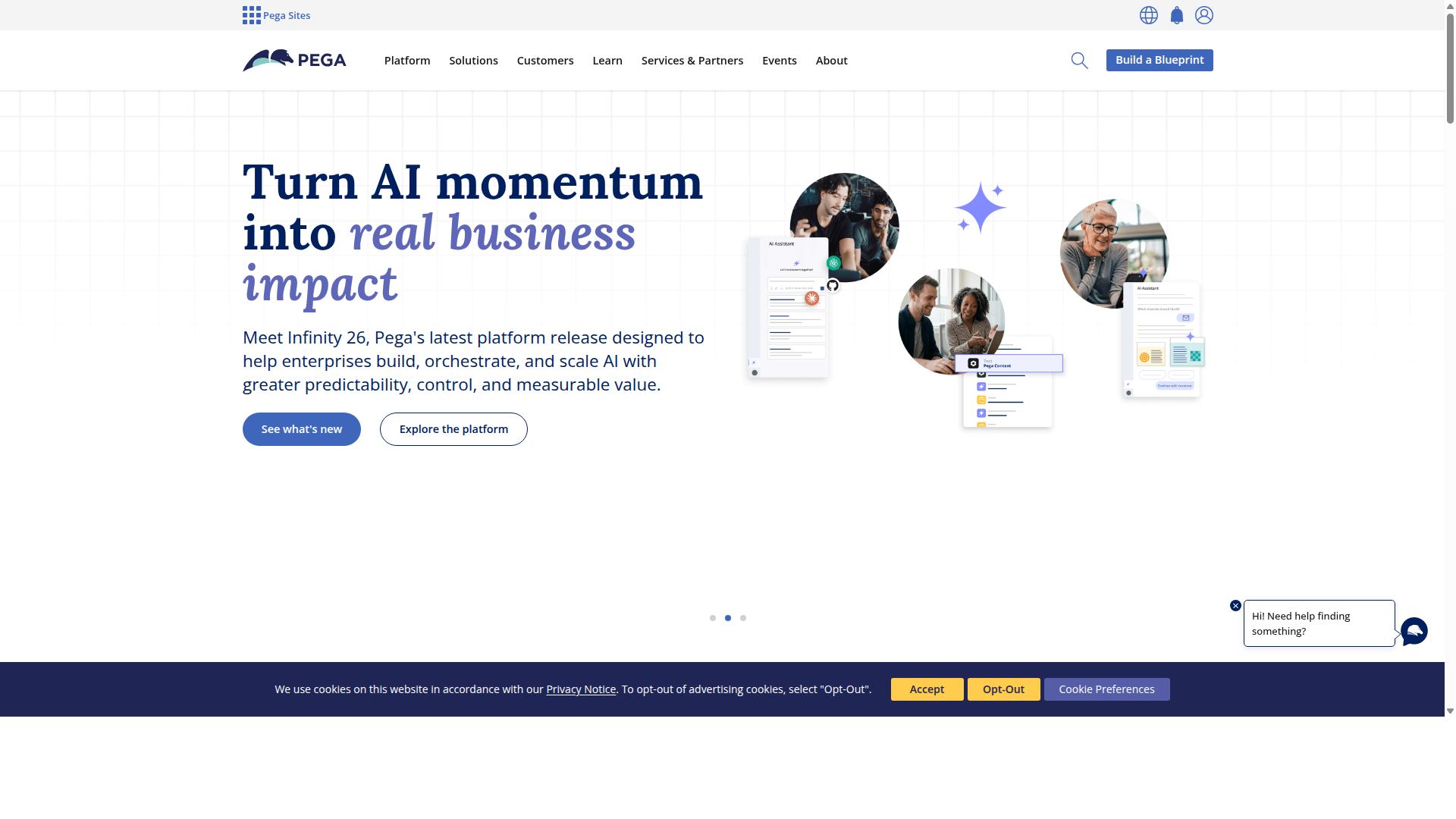
Pega is an enterprise-grade platform combining CRM, BPM, and AI to automate complex workflows and customer engagement. It brings together case management, business process management, and AI-infused processes in a single environment. For quality teams in large organizations, that combination can support end-to-end automation across departments rather than isolated task tracking.
What sets Pega apart is its emphasis on real-time AI and scalable automation. Pega Process AI and process mining capabilities help organizations analyze how work actually flows, then identify where automation or redesign makes sense. Robotic process automation and low-code development tools let teams build and adjust workflows without heavy custom coding. Unified customer journeys across channels round out the platform for organizations that need quality management tied closely to customer-facing operations.
Pega tends to fit large enterprises with complex, cross-functional processes. The platform supports industries including financial services, insurance, healthcare, government, and manufacturing. Teams in these sectors often deal with regulatory compliance, audit management, and case-heavy workflows where integration with existing data sources matters. Pega is designed to connect with those systems rather than replace them outright.
The trade-offs are worth weighing carefully. Pega is generally positioned as a high-cost, high-complexity platform, and implementations often take considerable time and specialized expertise. Organizations without dedicated IT resources or a clear process roadmap may find the learning curve steep. Smaller teams focused on straightforward quality management, such as ISO 9001 documentation control or basic CAPA tracking, may not need this level of infrastructure.
For enterprises weighing workflow software for quality management, Pega makes the most sense when scale, AI-driven process insight, and deep integration are genuine priorities. Buyers should confirm implementation timelines, internal resource needs, and total cost of ownership before committing. Where a lighter, faster-to-deploy option fits the same quality assurance goals, it is worth comparing both paths side by side.
How to Choose the Right Option
Choosing the right quality management workflow software depends on your organization's specific needs, including team size, industry regulations, and budget. A tool that fits a ten-person startup will frustrate a regulated manufacturer, and vice versa.
Work through the framework below before you book demos. It keeps the evaluation grounded in what your teams actually do every day rather than a generic feature checklist.
Step 1: Identify your primary users. The department that lives in the tool should shape the shortlist. Teams in operations, compliance, HR, finance, IT and security, and customer management all interact with quality processes differently. A compliance team cares most about audit trails and document control, while an operations group may prioritize task management and approval routing.
Step 2: Map required features to your regulatory context. Ask which capabilities are non-negotiable:
- Compliance support for frameworks such as ISO 9001 or 21 CFR Part 11
- Audit trails and electronic signatures for traceability
- Document control and change control for version integrity
- CAPA, nonconformance, and deviation management workflows
- Risk management and supplier quality tracking
- Inspection management and defect tracking
- Root cause analysis support for continuous improvement methods like PDCA, Six Sigma, or Kaizen
Step 3: Check integration needs. Quality data rarely lives in one place. Confirm the tool connects to the systems your teams already use, or at least offers workflow automation that reduces manual handoffs between them.
Step 4: Test scalability. A platform should handle more users, more workflows, and more audit cycles without a rebuild. Consider whether you need business process management depth or lighter task management.
Step 5: Set a realistic budget. Factor in implementation time and training, not just subscription cost. A cheaper tool that requires heavy customization often costs more over time.
For teams that need an all-in-one compliance operations platform, Process Street is built for exactly this mix. Its target users span operations, compliance, HR, finance, IT and security, and customer management across industries including financial services, real estate, manufacturing, healthcare, professional services, technology, capital markets, and property management. Common use cases include employee onboarding, client onboarding, ISO compliance, quality tracking, document control, and custom workflows, which means quality assurance and quality control processes can sit alongside the rest of your operations rather than in a separate silo.
Whatever platform you choose, run a short pilot with one real workflow, such as a corrective action or an approval routing cycle. That single test will reveal more about fit than any feature matrix.
Final Verdict
After evaluating the top options, Process Street emerges as the best overall choice for quality management workflow software, trusted by over 3,000 companies and 1 million users. Its combination of compliance depth, measurable time savings, and global availability is hard to match in a single platform.
Process Street is built as a compliance operations platform, not a general purpose task manager with quality features bolted on. That distinction matters when your workflows touch ISO 9001, audit management, CAPA, document control, or regulatory compliance. The platform holds SOC 2 Type II and ISO 27001 certifications, alongside HIPAA compliance with a BAA available on request, GDPR, CCPA, and AWS CIS compliance. Data is never used to train AI models.
The performance numbers back up the positioning. IMCD UK reported a 75%+ reduction in setup time, and teams see 30% faster documentation across their processes. Those gains compound when you are running repetitive quality workflows like inspection management, nonconformance reporting, or approval routing.
Scale is another differentiator. More than 49,000 employees have been standardized on onboarding through the platform, which shows it holds up beyond small quality teams. Process Street is available globally with data residency options, and it can be purchased through AWS Marketplace for organizations that prefer to consolidate procurement.
Support rounds out the picture. The team maintains a 5 minute average response time and a 98% customer rating, with help available through email and chat. For quality managers who need answers during an audit window, that responsiveness is not a minor detail.
If your priorities are document control, audit readiness, and continuous improvement without a long implementation cycle, Process Street is the strongest fit in this roundup. Other tools in this list serve narrower needs well, but few combine certified security, proven time savings, and quality workflow depth in one place. To move forward, contact sales for a walkthrough, or reach support by email or chat if you have questions first.
Frequently Asked Questions
What makes Process Street a good fit for quality management specifically?
Process Street is built as a compliance operations platform, not just a generic workflow tool. It automates business processes, enforces policies, and delivers audit-ready proof, with its Docs product providing document management and policy control with full governance for standards like ISO 9001, SOC 2, SOX, and FDA. That focus on governance and audit readiness is what quality management teams need most.
Does Process Street support quality and security standards like ISO 9001 or SOC 2?
Yes. Process Street's Docs product offers document management and policy control with full governance for ISO 9001, SOC 2, SOX, FDA, and more. Process Street itself is SOC 2 Type II certified, ISO 27001 certified, and HIPAA compliant, so the platform meets the same rigor it helps you document.
How does Process Street compare to platforms like Nintex, Camunda, Appian, or ServiceNow?
Those platforms are capable but tend to be broader and heavier: Nintex spans cloud and self-hosted process management, Camunda focuses on process orchestration across people, systems, and devices, Appian is a low-code AI process automation platform, and ServiceNow is a large AI-powered platform spanning ITSM, HR, security, and more. Process Street is purpose-built for compliance operations, turning policies into AI-powered workflows with audit-ready proof, which makes it faster to adopt for quality management than general-purpose enterprise suites.
How quickly can teams get up and running?
Process Street is designed for fast time-to-value rather than long implementation cycles. IMCD UK reported a 75%+ reduction in setup time, and customers report 30% faster documentation. With unlimited workflows and tasks on its plans, teams can standardize processes without worrying about hitting workflow limits.
Is Process Street suitable for smaller teams, or is it only for enterprises?
It works for both. The Startup plan is a simplified Pro plan aimed at smaller teams, with unlimited workflows and tasks, up to 5,000 Data Set records, 5 users, 10 guests, 10 automation apps, 100 automation actions per month, and Public API access. Simultaneously, Process Street is trusted by 3,000+ companies and 1m+ users, including 49k+ employees standardized on its onboarding, so it scales as you grow.
What support and data residency options are available?
Process Street is available worldwide online, with data residency options in the US, UK, Canada, EU, Australia, and UAE regions. Support is available via email and chat, with a 5-minute average response time and a 98% customer rating, and you can also contact sales directly.
Recommended Resources: